<p>Navigating the unforgiving landscapes of DayZ and Arma requires more than just survival instincts; it<br />
demands precise geographical knowledge. iZurvive delivers an interactive mapping solution that transforms<br />
how players approach tactical planning, resource location, and team coordination in these hardcore survival<br />
games. With over 10 million downloads and consistently high ratings across app stores, this companion tool has<br />
become essential equipment for serious survivors.</p>
<p><amp-youtube layout="responsive" width="500" height="281" data-videoid="hm7FFEwVS7o" data-param-si="0AkF685Z7UzNr-ff" title="DayZ Sakhal Izurvive Map: How To Know Where You Are, Spawn Points, Fresh Water Springs &; Where To Go"><a placeholder href="https://youtu.be/hm7FFEwVS7o?si=0AkF685Z7UzNr-ff"><img src="https://i.ytimg.com/vi/hm7FFEwVS7o/hqdefault.jpg" layout="fill" object-fit="cover" alt="DayZ Sakhal Izurvive Map: How To Know Where You Are, Spawn Points, Fresh Water Springs &; Where To Go"></a></amp-youtube></p>
<h2>Tactical Advantages of Interactive Survival Mapping</h2>
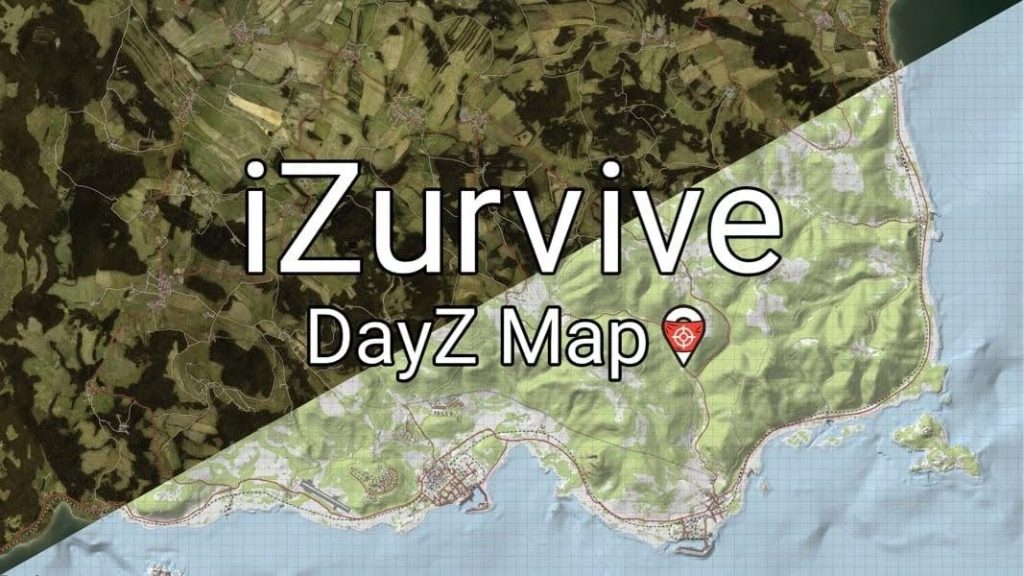
<p>iZurvive revolutionizes survival gameplay by providing real-time map access without forcing players to alt-tab<br />
during critical moments. The application features detailed topographical data for multiple game maps, including<br />
Chernarus, Livonia, Namalsk, and Takistan. Players can mark loot locations, identify military bases, track water<br />
sources, and plan extraction routes with pinpoint accuracy.</p>
<p>The tool&#8217;s collaborative features enable squad coordination through shared map markers. Team members can communicate positions, designate meeting points, and highlight danger zones instantly. This functionality<br />
proves invaluable during extended gameplay sessions where verbal communication alone creates confusion.</p>
<h2>Why Survival Game Enthusiasts Choose iZurvive</h2>
<h4>Enhanced Situational Awareness</h4>
<ul>
<li>Precise coordinate system matching in-game positioning</li>
<li>Elevation contours revealing tactical high ground</li>
<li>Building layouts showing interior access points</li>
<li>Distance measurement tools for sniper positioning</li>
</ul>
<h4>Community-Driven Intelligence</h4>
<ul>
<li>User-submitted points of interest are updated regularly</li>
<li>Loot spawn location databases maintained by active players</li>
<li>Vehicle spawn tracking across multiple servers</li>
<li>Base location warnings from community reports</li>
</ul>
<p>Gaming analysts at PC Gamer have noted that <a href="https://www.pcgamer.com/">companion mapping tools significantly improve player retention</a><br />
in hardcore survival titles by reducing frustration during the learning curve. iZurvive specifically addresses the<br />
steep geographical knowledge requirement that often discourages new players from continuing with DayZ and<br />
Arma.</p>
<h2>Professional Features for Hardcore Players</h2>
<p>The application includes measurement tools calculating exact distances between locations, critical information<br />
for coordinating ambushes or planning supply runs. Advanced filtering options let users toggle specific map<br />
layers, displaying only relevant information during different gameplay phases. Whether searching for medical<br />
supplies, ammunition, or vehicle parts, customizable filters streamline resource hunting.</p>
<p>iZurvive supports offline functionality, allowing map access without an internet connection once the initial data downloads are complete. This feature ensures uninterrupted access during network issues or when playing in areas with limited connectivity.</p>
<p>The interface adapts seamlessly between mobile and desktop environments. Gesture controls on touchscreens<br />
provide intuitive navigation, while keyboard shortcuts accelerate desktop operations. Multiple map instances<br />
can run simultaneously, enabling comparison between different regions or game versions.</p>
<h2>Running iZurvive on Windows PC</h2>
<p>Desktop access provides significant advantages over mobile-only usage. Larger screens display more<br />
geographical detail simultaneously, reducing constant panning and zooming. Multi-monitor setups allow players<br />
to keep maps visible on secondary displays while gaming on primary screens.</p>
<p>To install iZurvive on Windows, download an Android emulator like BlueStacks or NoxPlayer. Launch the<br />
emulator, access the Google Play Store, and search for iZurvive. Complete the standard installation process,<br />
then launch the application. For direct access, visit <a href="https://chriswetherell.com/app/izurvive-map-for-dayz-and-arma/">izurvive</a> for additional setup resources and community<br />
guides.</p>
<p>Configure emulator settings to allocate sufficient RAM (minimum 4GB recommended) for smooth map<br />
rendering. Enable hardware virtualization in BIOS settings to optimize performance during simultaneous<br />
gaming and mapping operations.</p>
<h2>Target Audience and Gaming Applications</h2>
<p>iZurvive serves multiple player categories within the <a href="https://bagogames.com/14-mods-skyrim-zombie-survival-game/">survival gaming</a> community. New players use it to learn<br />
map layouts and reduce disorientation during initial gameplay hours. Veteran survivors leverage advanced<br />
features for base planning and territory control. Streamers utilize the tool to provide viewers with geographical<br />
context during broadcasts.</p>
<p>The application particularly benefits squad-based gameplay where coordinated movement determines mission<br />
success. Military simulation enthusiasts appreciate the realistic topographical accuracy that mirrors actual<br />
tactical mapping principles.</p>
<p>With continuous updates supporting new game maps and community-requested features, iZurvive maintains its<br />
position as the definitive navigation companion for DayZ and Arma players seeking competitive advantages<br />
through superior geographical intelligence.</p>
<p><strong>Do you play Dayz or Arma? Have you used the iZurvive map guide before? If so, how helpful is it? Let us know in the comments section below. </strong></p>

BagoGames > Articles > Guides > iZurvive for PC: Complete Survival Map Guide for DayZ and Arma Players
iZurvive for PC: Complete Survival Map Guide for DayZ and Arma Players
Having trouble in Dayz and Arma? We got you covered...

Related Content
MX Player for PC: Complete Setup Tutorial
By
Trevor Kincaid
October 22, 2025
Controller Guide For Wild Assault
By
Michael Mosley
May 1, 2025