<p>Did you know Wild Assault, the new multiplayer third person shooter from indie studio Combat Cat Studio, has controller support, sorta?</p>
<p>The game is currently in Early Access and Combat Cat Studio recently released a roadmap for 2025. In the roadmap the studio showed what’s planned for seasons two and three, one of the biggest features to be mentioned was controller support, which was shown to be coming in season three or four which is planned to begin in September and December respectively.</p>
<p><a href="https://cdn.bagogames.com/wp-content/uploads/2025/04/30234118/bb8d0c038c6ba1eb4128fb16b1e10da78e7eeeb9.jpg"><img class="alignnone size-full wp-image-181244" src="https://cdn.bagogames.com/wp-content/uploads/2025/04/30234118/bb8d0c038c6ba1eb4128fb16b1e10da78e7eeeb9.jpg" alt="" width="1920" height="1080" /></a></p>
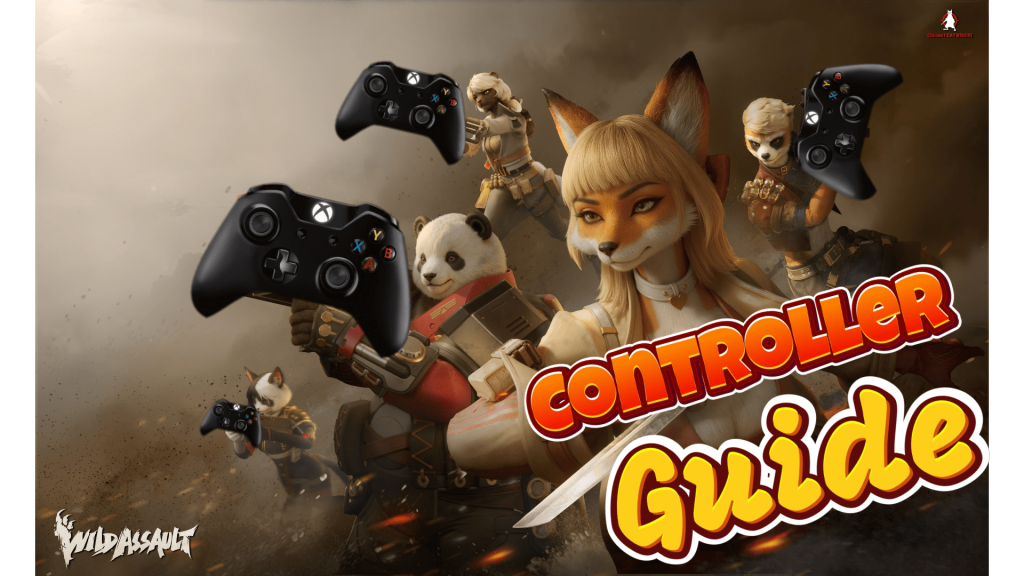
<p>But right now players can use a gamepad controller and give the team feedback, in its current state using a gamepad isn’t recommended and isn’t really worth the trouble setting up, but if you want to try it out and help the dev team make the feature better than we can help you with this quick setup guide.</p>
<ol>
<li aria-level="1">When you boot up the game look for the setting icon located on the bottom left of the main menu</li>
<li aria-level="1">At the top of the screen look for ‘Controls’, it will be the second to last menu option</li>
</ol>
<p> ;</p>
<p>Here’s where things will start to get a little difficult, the game doesn’t have full controller support, keyboard icons will still show instead of controller buttons, also for some strange reason the right trigger button and the right stick button both have the same action and cannot be separated.</p>
<p>In other words, when you click the right stick it will fire your weapon like the right trigger and you can’t switch it to do something else like melee or crouching, doing so will force the right trigger to also switch to the same action as the right stick button. So keep in mind how you bind your gamepad buttons, but don’t worry, for this part of the guide we’ll show you how every gamepad button translates to keyboard.</p>
<p> ;</p>
<ul>
<li aria-level="1">Up on control stick is ‘W’</li>
<li aria-level="1">Down on control stick is ‘S’</li>
<li aria-level="1">Left on control stick is ‘A’</li>
<li aria-level="1">Right on control stick is ‘D’</li>
<li aria-level="1">Left stick button is ‘Left Shift’</li>
<li aria-level="1">Right stick button is ‘Left Mouse click’</li>
<li aria-level="1">Up on D-pad is ‘1’</li>
<li aria-level="1">Right on D-pad is ‘2’</li>
<li aria-level="1">Down on D-pad is ‘3’</li>
<li aria-level="1">Left on D-pad is ‘4’</li>
<li aria-level="1">Right trigger is Left Mouse click (Fire by default)</li>
<li aria-level="1">Right Shoulder button is ‘Mouse Wheel Scroll Up’ (Tactical Ability by default)</li>
<li aria-level="1">Left trigger is Right Mouse click (Aim by default)</li>
<li aria-level="1">Left Shoulder button is ‘Mouse Wheel Scroll Down’ (Signature Ability by default)</li>
<li aria-level="1">A button is space key (Jump by default)</li>
<li aria-level="1">X button is ‘R’ (Reload by default)</li>
<li aria-level="1">B button is ‘E’</li>
<li aria-level="1">Y button is ‘F’</li>
<li aria-level="1">View button (Xbox) is ‘Tab’</li>
<li aria-level="1">Menu button (Xbox) is ‘ESC’/Back in the menus and pause in-game</li>
</ul>
<p> ;</p>
<p>Key actions that are missing from controller support without rebinding includes the ability to melee, changing fire modes on weapons, switching shoulders view (right to left), opening the map or even pinging enemies. It’s also worth mentioning that we haven’t tried this game with an ‘Elite’ controller, which has extra buttons compared to base controllers, so perhaps the players with Elite controllers will have the chance to add some of the missing functions mentioned above.</p>
<p>But for now, we hope this quick guide helps you on your journey to victory Valiant and we look forward to seeing what the future holds for our furry heroes and the community, get out there and fight the good fight! Wild Assault is available now on PC via Steam and Epic Game Store for $14.99 USD or $21.58 USD for the &#8216;Supporter Pack&#8217;, which comes with early unlock for Valiant, Zhenshan, and some cosmetic for the character.</p>
<p><iframe title="YouTube video player" src="https://www.youtube.com/embed/zvkIEXnCnWE?si=Ic3zoTrvY4U39IMg" width="560" height="315" frameborder="0" allowfullscreen="allowfullscreen"></iframe></p>

Controller Guide For Wild Assault

- Categories: Guides, Videos
- Tags: Early AccessEpic Games LauncherGuideIndieIndie GamesPCSteam
Related Content
iZurvive for PC: Complete Survival Map Guide for DayZ and Arma Players
By
Trevor Kincaid
December 17, 2025
Shadow Fight Arena Chapter 1 Gameplay
By
Michael Mosley
November 29, 2025